 Comfort
Save anything you can share.
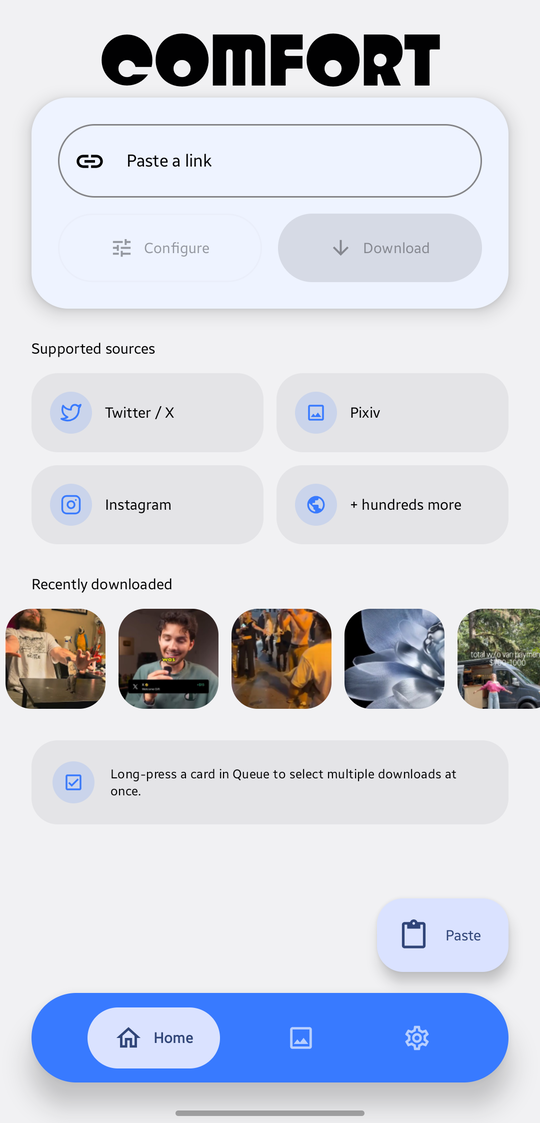
Videos, photo carousels, music and whole playlists from thousands of sites. Paste a link or share it in from any app, pick what you want, and it lands in your gallery.
Share it. Pick it. Done.
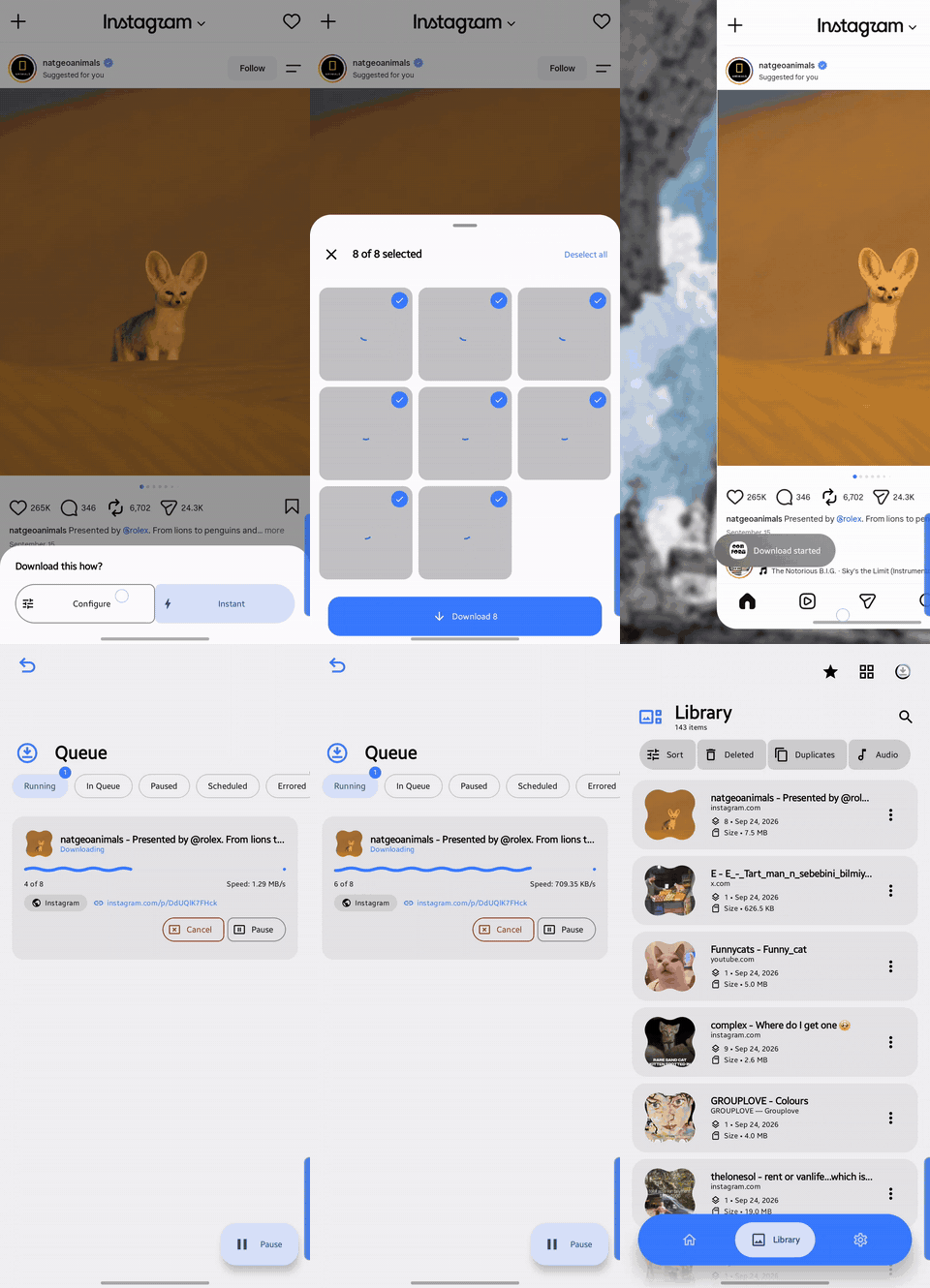
Pick the pictures you want
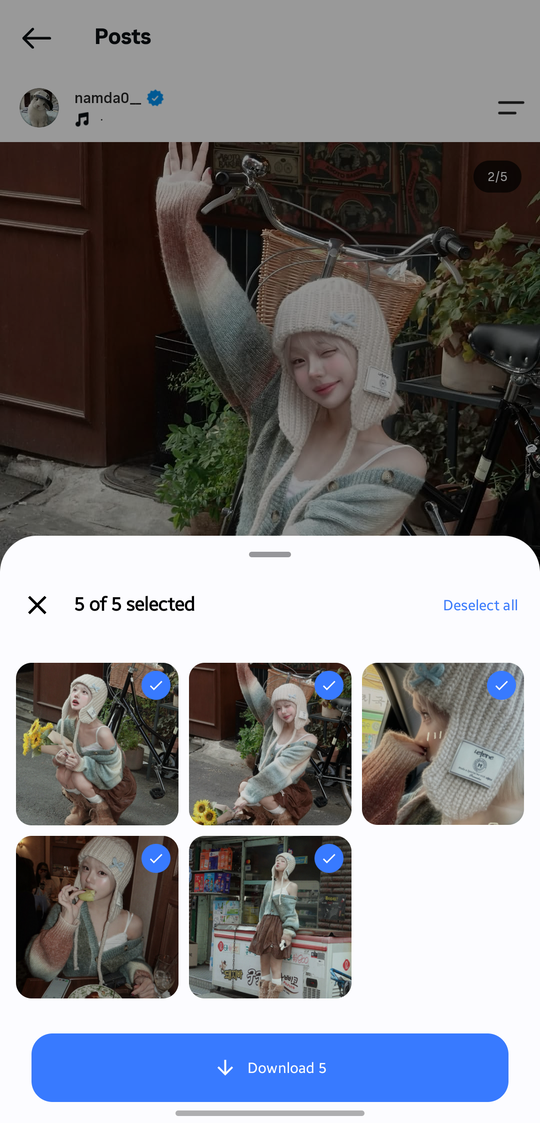
Share an Instagram carousel, an X post or a Reddit gallery. Comfort shows every item, you tick the ones you want, and they land in your gallery together, in order.
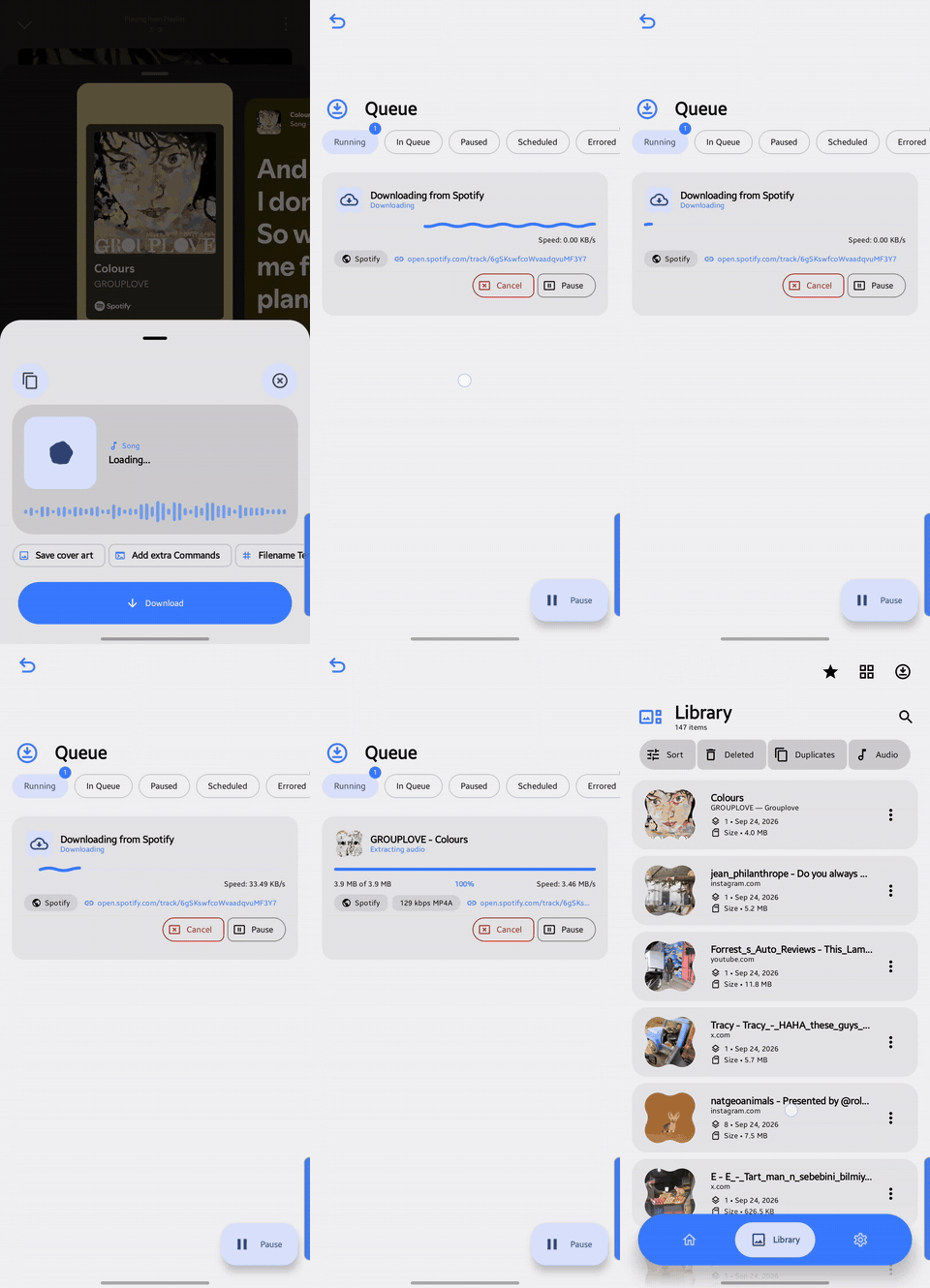
Songs with the real details
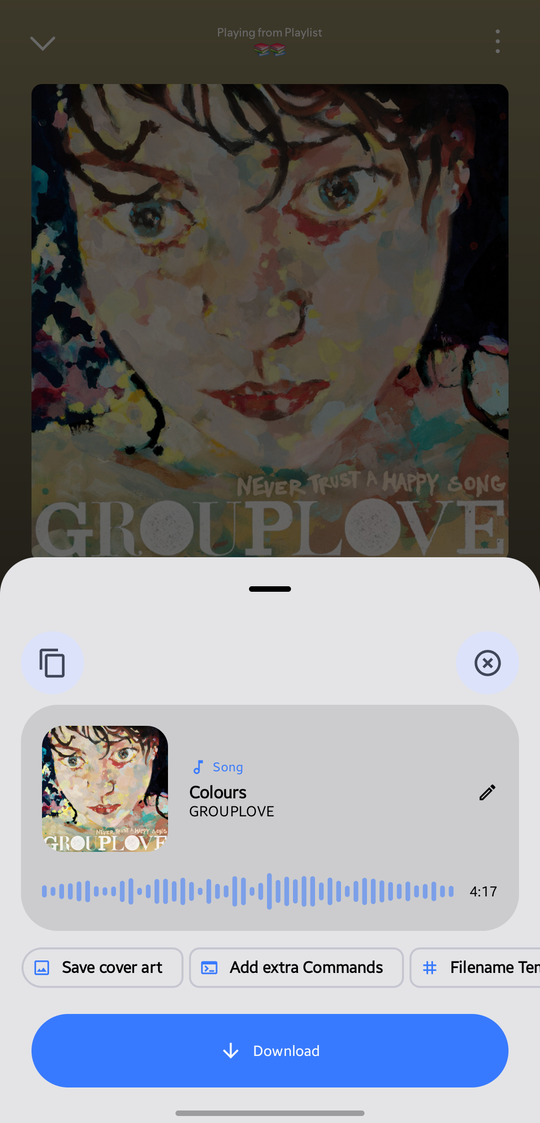
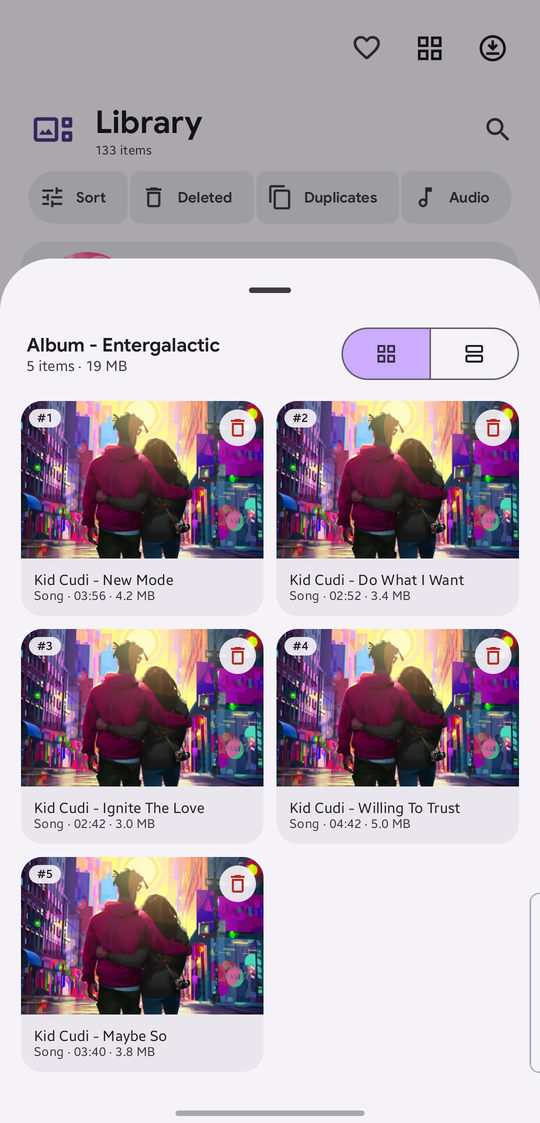
Share a Spotify, YouTube Music or SoundCloud link. You get the right title, artist, album and cover art, with synced lyrics saved inside the song.
Everything a downloader should be.
Works from any app
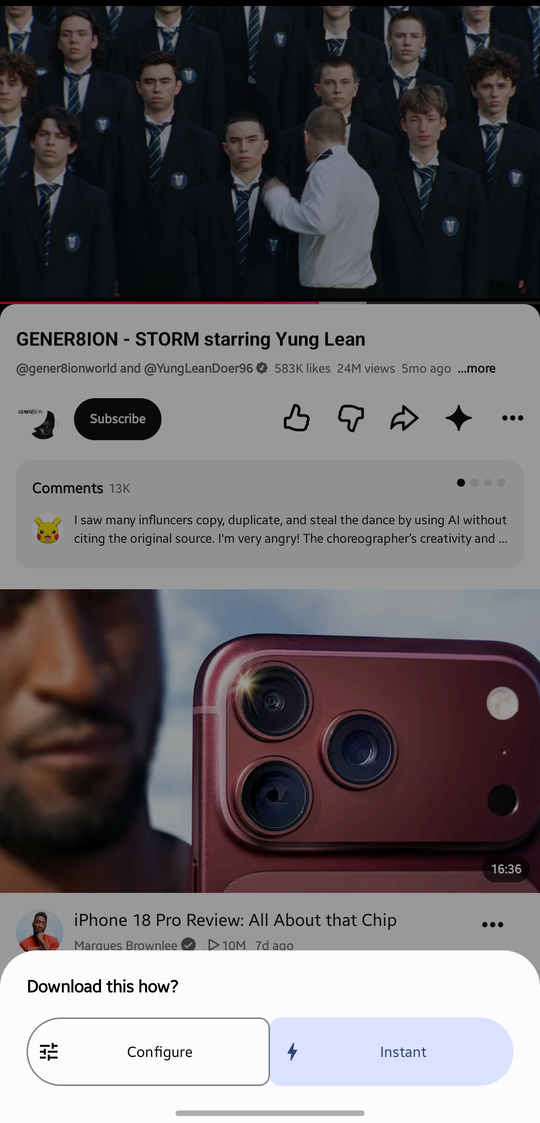
Hit Share in X, Instagram, Reddit, YouTube or your browser and pick Comfort. Choose Configure to preview first, or Instant to start right away.
Your quality, your format
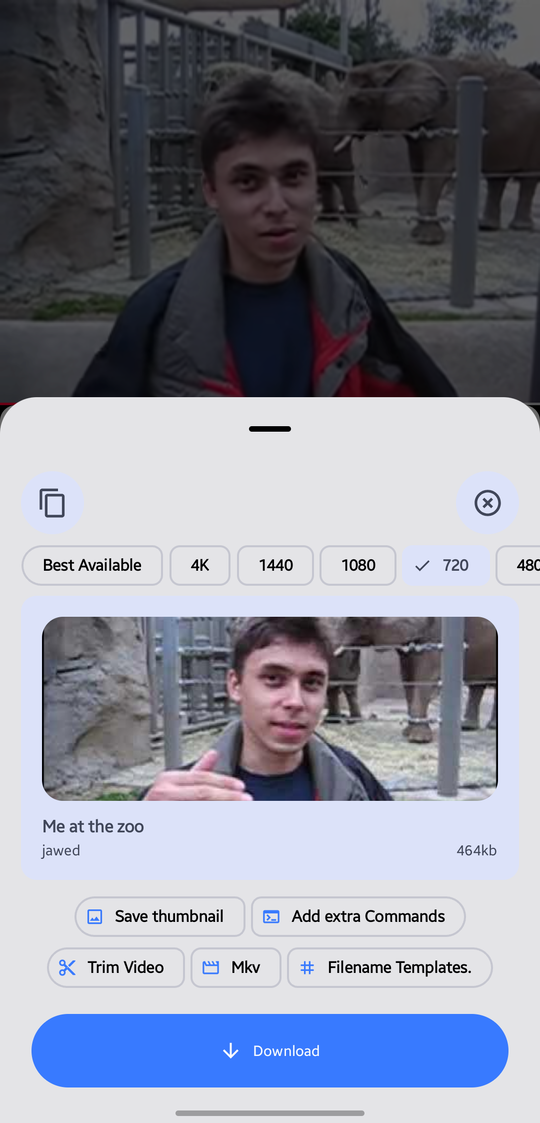
Best, 4K, 1080p, 720p or audio only, with the file size shown before you download. MP4 or MKV, trim to just the part you want, and pick the subtitles and the dubbed audio track.
Galleries and carousels
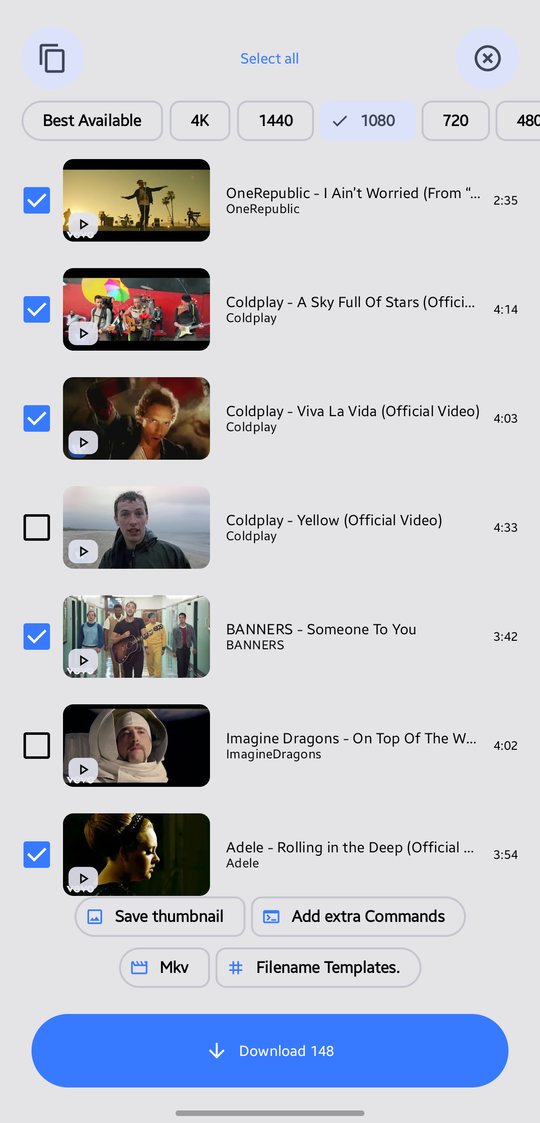
Choose items one by one from a multi-picture post. Whole profiles download in batches without filling your storage.
Music, tagged properly
Spotify tracks, albums and playlists with no login. Real artist, album and square cover art, plus synced lyrics. MP3, M4A, Opus or FLAC. Playlists download fast: the next songs get ready while one downloads.
Watch, listen and read inside
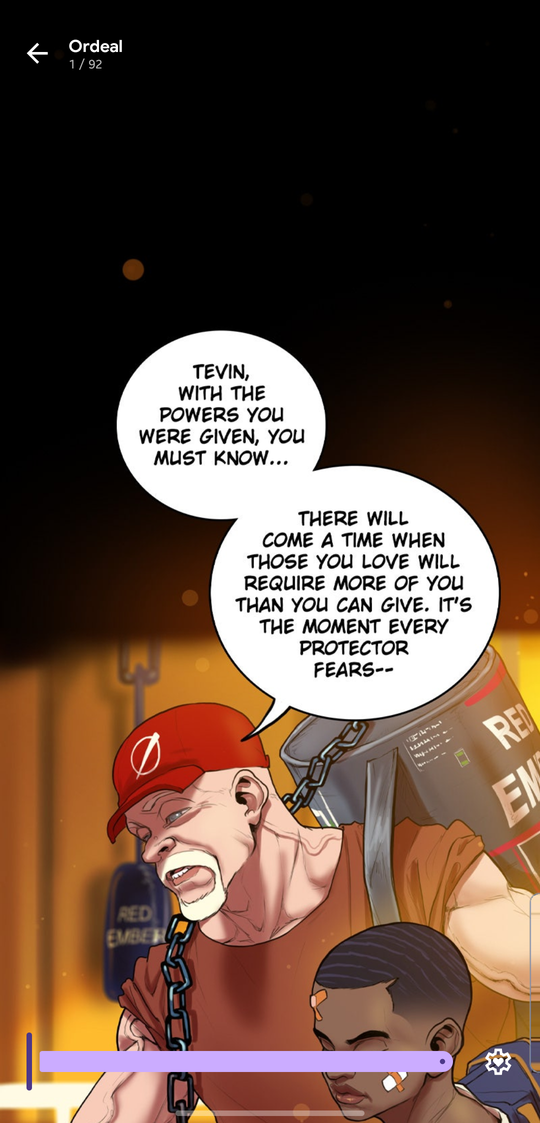
A built-in viewer for your pictures and videos, a full music player with a queue, shuffle and synced lyrics, and a comic reader for manga and webtoon chapters, saved as one .cbz each.
Search YouTube from Home
No link? Type what you're after into Home's search, pick a result and download it. SponsorBlock can cut the sponsor segments out.
The right engine for every link
yt-dlp, gallery-dl and Instaloader each do what they're best at, and step in for each other when one comes back empty. You can choose the order, too.
A queue that keeps going
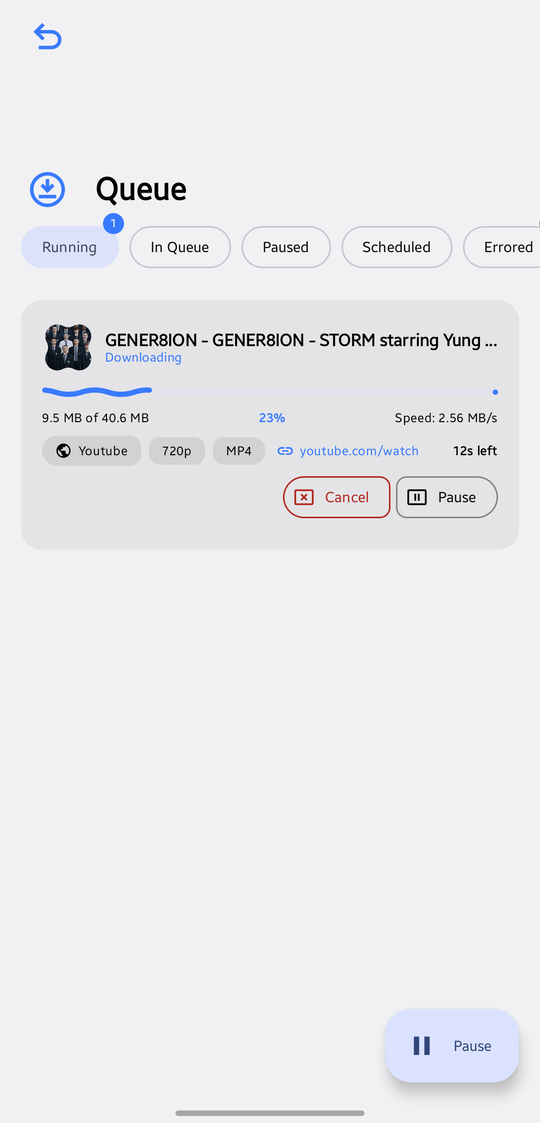
Pause, resume, reorder and schedule downloads for the night, or give one its own start time. Select a hundred and retry them in one tap. Downloads survive the app being closed and retry on flaky Wi-Fi.
Follow channels and playlists
Subscribe to a YouTube channel or playlist from the download sheet, and its new uploads download on their own.
Sign in where you need to
Log in through the built-in browser once, and private or age-restricted posts download like any other. HTTP and SOCKS proxies work too.
Tidy by default
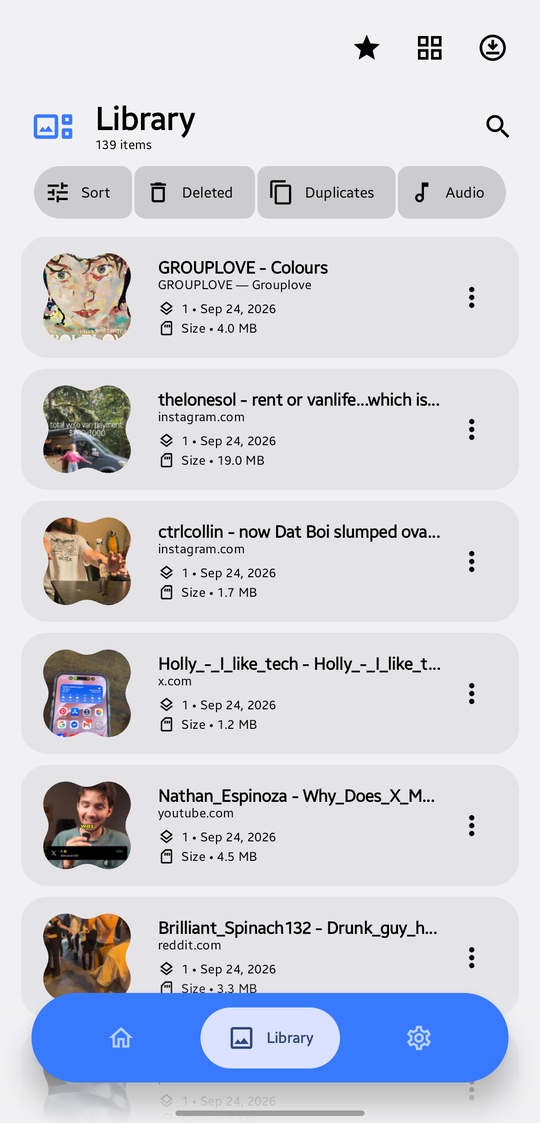
Pictures and videos save to Download/Comfort, songs to Music/Comfort where music players look, all with clean names like "Poster - caption".
Back up, move phones
Save your settings, command templates, Library history and logins to one file, and restore them on your next phone.
Looks the way you like
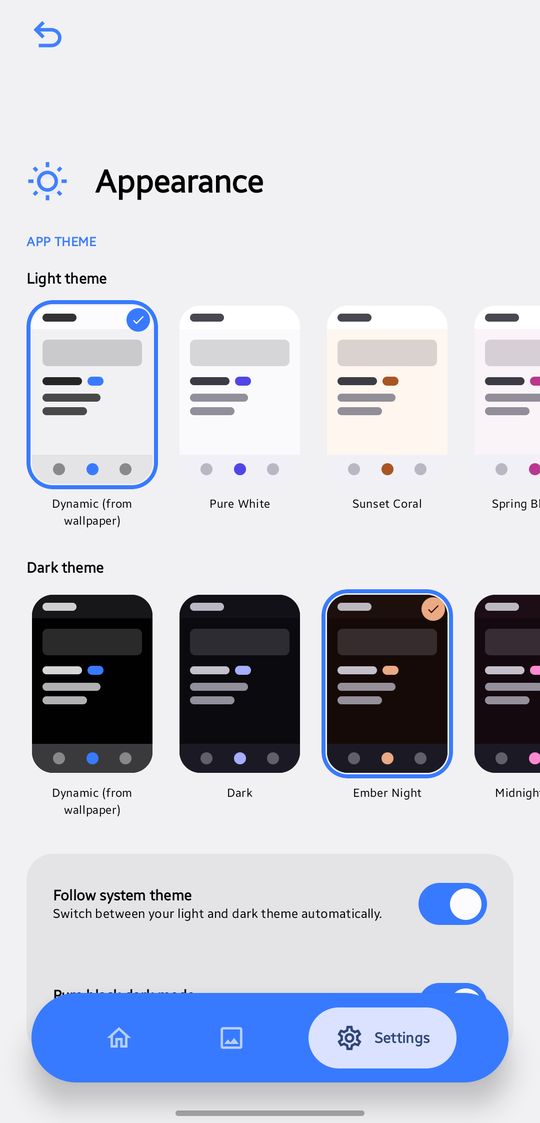
Material You with dynamic color, light and dark themes, several color themes and a pure-black mode for OLED screens. In 16 languages, right-to-left included.
Free and open source
No ads, no tracking, no account. GPLv3, and the engines update themselves without waiting for an app update.
Have a look around.
Get Comfort.
Install the APK, and Comfort keeps itself up to date from then on. Not sure which one? Almost every phone from the last ten years wants arm64-v8a.
Every version, with release notes, is on GitHub Releases.
Questions, answered.
Is it really free?
Yes. No ads, no subscriptions, no account and no tracking. Comfort is open source under the GPLv3, so anyone can read, build and change the code.
Why isn't it on the Play Store?
Google Play doesn't allow apps that download from YouTube and similar sites, so Comfort is installed from its APK instead. Your phone will ask you to allow installs from your browser or file manager the first time.
Which sites does it work with?
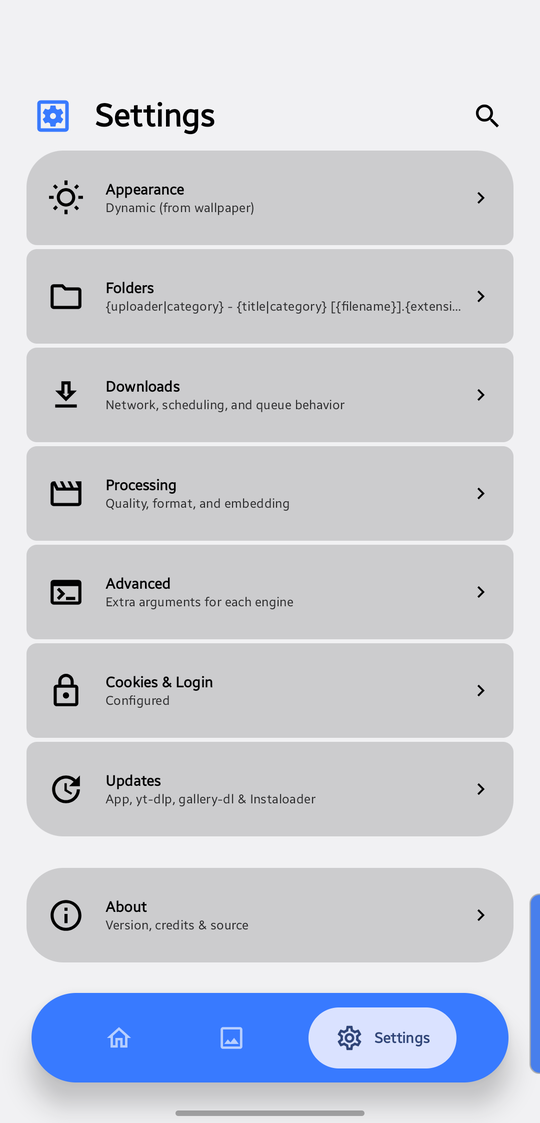
Thousands. Comfort uses yt-dlp, gallery-dl and Instaloader, which between them support X, Instagram, Reddit, YouTube, TikTok, Pinterest, Tumblr, SoundCloud and over 3,000 other sites. You can see the full lists, and choose which engine handles a site, in Settings.
How does it stay up to date?
The app checks GitHub for new versions and installs them for you. The download engines update separately, so a fix for a site can arrive the same day it's released.
Where do my downloads go?
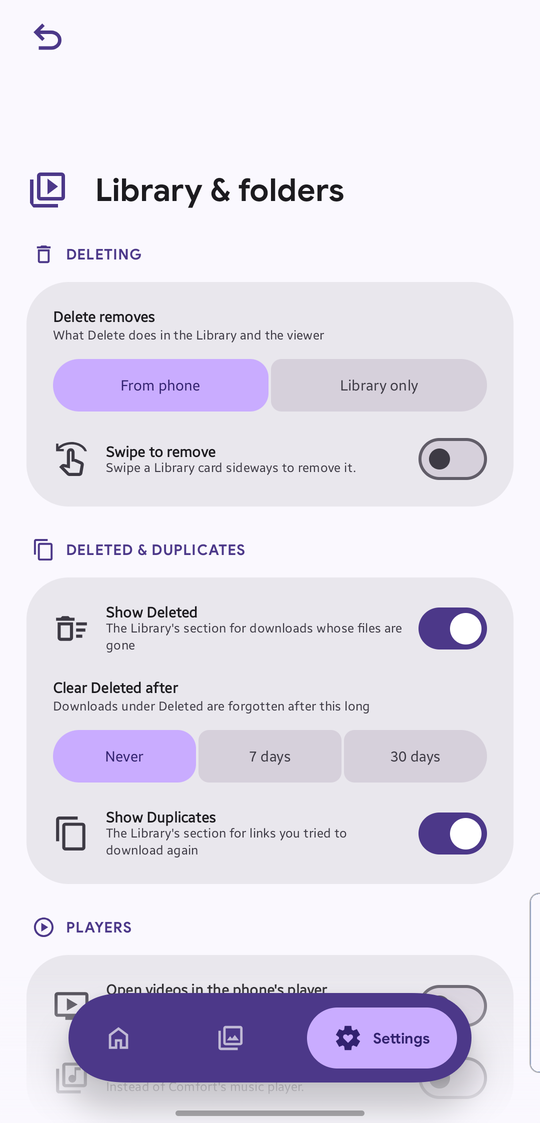
Pictures and videos go to Download/Comfort on your phone, sorted into Pictures and Videos, and songs to Music/Comfort. They show up in your gallery and music player like anything else. You can pick a different folder in Settings › Library & folders.
Can it download private posts?
Only ones your own account can see. Sign in to the site once through Comfort's built-in browser and it uses that login for downloads. Your login stays on your phone.